Galaxy phone or tablet Smart View or Screen Mirror issues
Smart View can be used with Galaxy phones and tablets running Android 4.3 or above and with devices that support Miracast wireless display technology. This technology is built into most newer Samsung smart TVs. However, your phone or tablet must be connected to the same network as your TV in order to use this function. If Smart View is not working, restarting or rebooting your device will usually solve the issue. Keep in mind that DRM-protected contents cannot be mirrored.
Galaxy phone or tablet Smart View or Screen Mirror issues
Recommended Articles
Issues with SD cards on Samsung phone or tablet
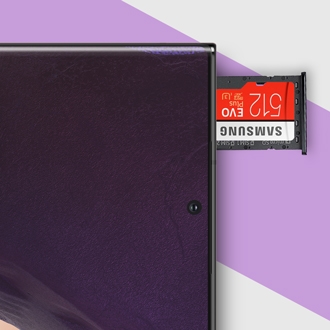
Using an SD card is a great way to expand and manage your storage. It's cost-effective, frees up internal memory, and is easily removable, so you can access the files using a PC. Most issues with the SD card can be solved with a few simple steps.
A Screen Overlay error appears on Samsung phone or tablet
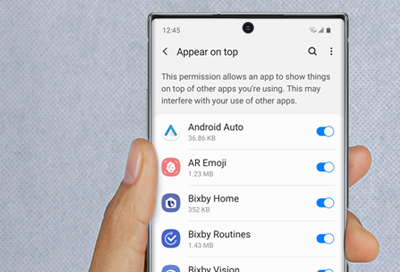
Screen Overlay is a function that allows apps to appear on the top of other apps. For example, some messaging apps may cause a chat bubble to appear in front of an open app, such as a browser.
Samsung phone or tablet unexpectedly powers off
Suddenly shutting down can be an unwelcome surprise, especially if you are in the middle of something. Follow along to find out what's causing the shutdowns and how to prevent them from happening again.
We're here for you
Contact Samsung Support
Contact us online through chat and get support from an expert on your computer, mobile device, or tablet. Support is also available on your mobile device through the Samsung Members App.